Many punters assume any betting app found through a quick search is safe to install, but that belief leads to corrupted files or worse. The 1xBet Android application exists outside traditional app stores, which means you carry full responsibility for verifying what lands on your phone. This guide walks you through the entire lifecycle—checking the source, installing the APK correctly, maintaining security, and knowing when the mobile site might serve you better. Follow these steps once, and you will only need brief safety checks for future updates.
Before You Download: The Five-Point Safety Check
Rushing to install without preparation invites security risks and installation failures. Spend two minutes on these checks to avoid headaches later.
- Verify you are on the official 1xBet domain by checking the URL for subtle misspellings or extra hyphens that indicate phishing clones.
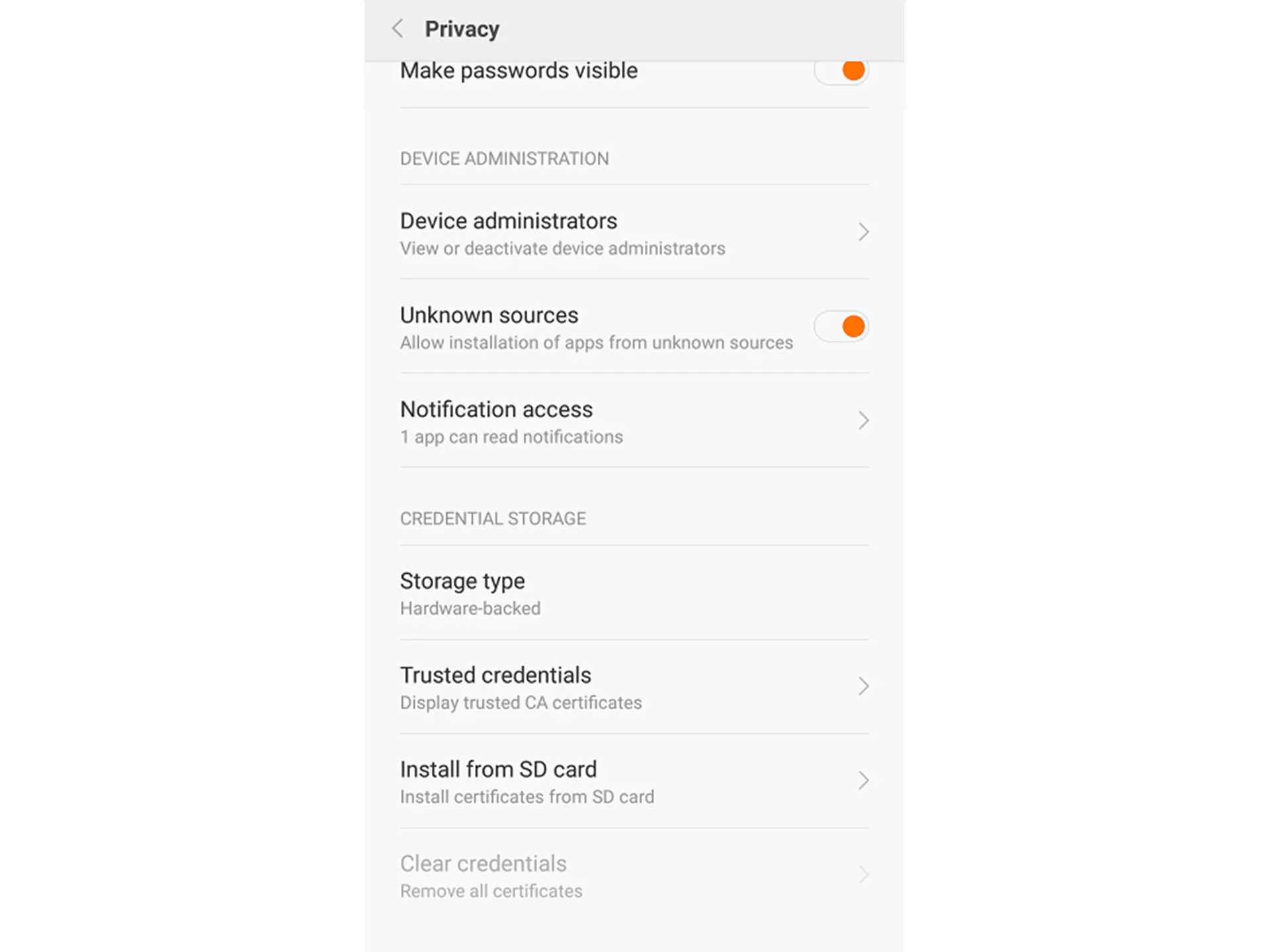
- Enable unknown sources only for your specific browser or file manager, not system-wide, through your Android security settings.
- Check your remaining storage space and clear cache if you are below five hundred megabytes to prevent incomplete downloads.
- Confirm your Android version supports the current app build, as older operating systems may lack necessary security protocols.
- Review your payment method settings to ensure deposit options match your regional availability before creating an account.
Getting the APK File Onto Your Device
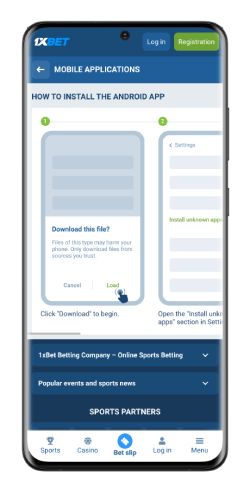
Android blocks direct installs from outside the Play Store by default, so you must temporarily adjust permissions. Open your settings menu and locate the security or privacy section, then find the option labeled “Install unknown apps.” Grant this permission exclusively to the browser you will use for the download, keeping other applications restricted. This granular control prevents malicious software from sneaking in through other channels.
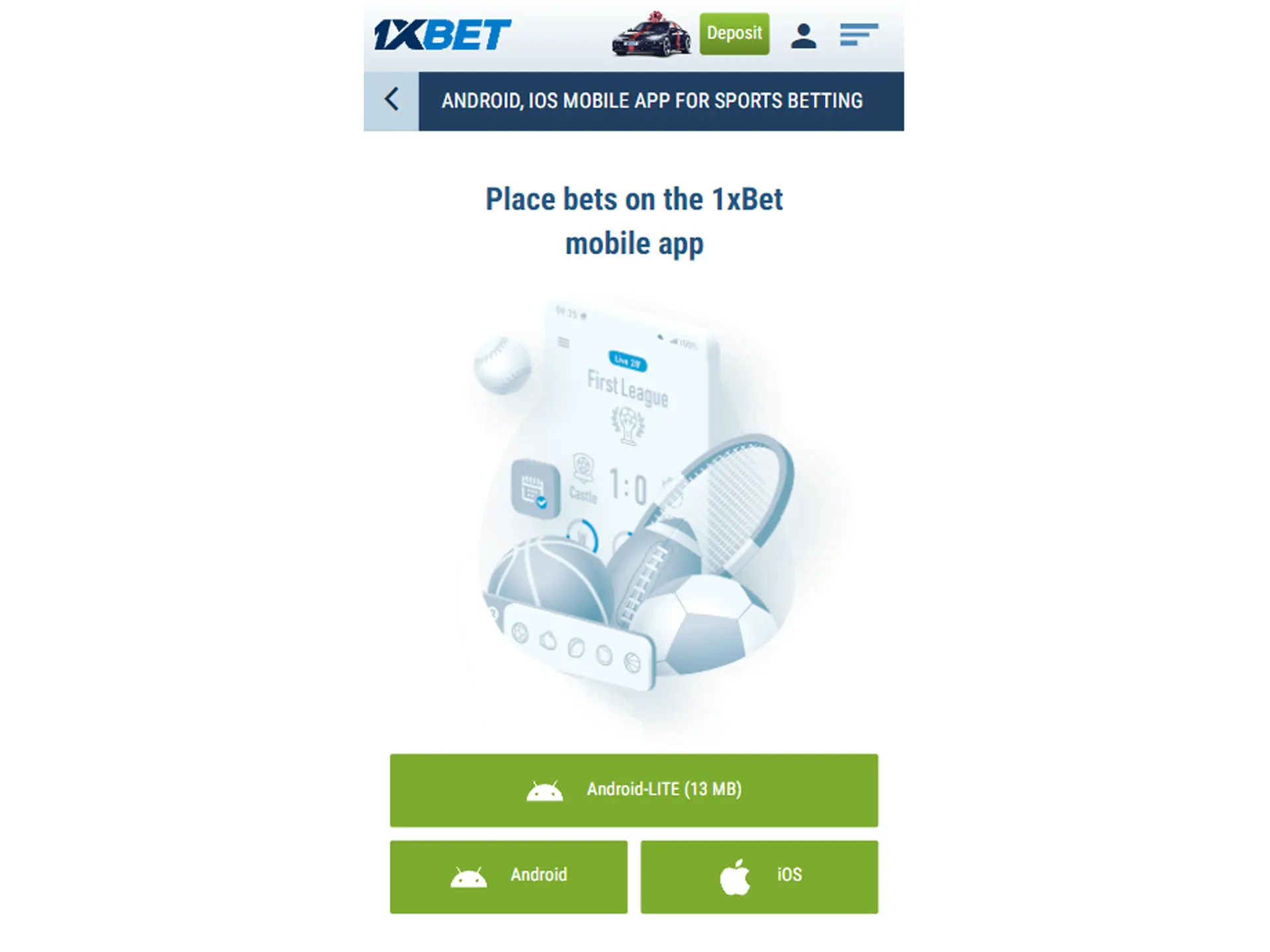
Navigate to the official 1xBet website using your mobile browser and locate the Android download section, usually marked with the robot icon. The site should detect your device automatically, but verify the page shows an APK file rather than an executable meant for desktop computers. When you initiate the transfer, the file saves to your Downloads folder unless you specify otherwise. For a secure source for the 1xbet app for android, cross-reference the download link with the site’s verified social media channels or support pages. Once the progress bar completes, resist the urge to open the file immediately; first, run a quick virus scan using your preferred security application.
Installing Without the Headaches
Locate the downloaded APK file using your file manager or the notification shade, then tap to begin the installation sequence. Android displays a permissions screen listing what the application can access—typically storage for caching data and network access for live betting. Read these carefully; a legitimate betting app should not request access to your contacts or SMS messages. Accept the conditions and wait for the progress bar to finish.
After the installation completes, the app icon appears on your home screen or app drawer. Open the application and log in using your existing credentials, or complete the registration if you are new to the platform. At this point, return to your security settings and revoke the unknown-sources permission from your browser. This simple step closes the security hole you opened earlier, leaving only the verified app able to update itself later.
Keeping the Application Current
Unlike Play Store apps that update automatically, the 1xBet APK requires manual maintenance or in-app prompts. When the developers release a new version, you typically receive a notification upon launching the app, or you can check the download page for the latest build number. Download the new APK file and tap install; Android recognizes the signature and treats this as an update rather than a fresh installation, preserving your login details and preferences.
However, if you attempt to install an update signed with a different security certificate than your current version, Android blocks the installation with a parsing error. This safety feature prevents malicious actors from hijacking your app with fake updates. In such cases, you must uninstall the existing version completely before installing the new file, though this erases locally stored data like saved login sessions or cached betting history. Always back up important account information before proceeding with major version changes.
What You Get After Installation
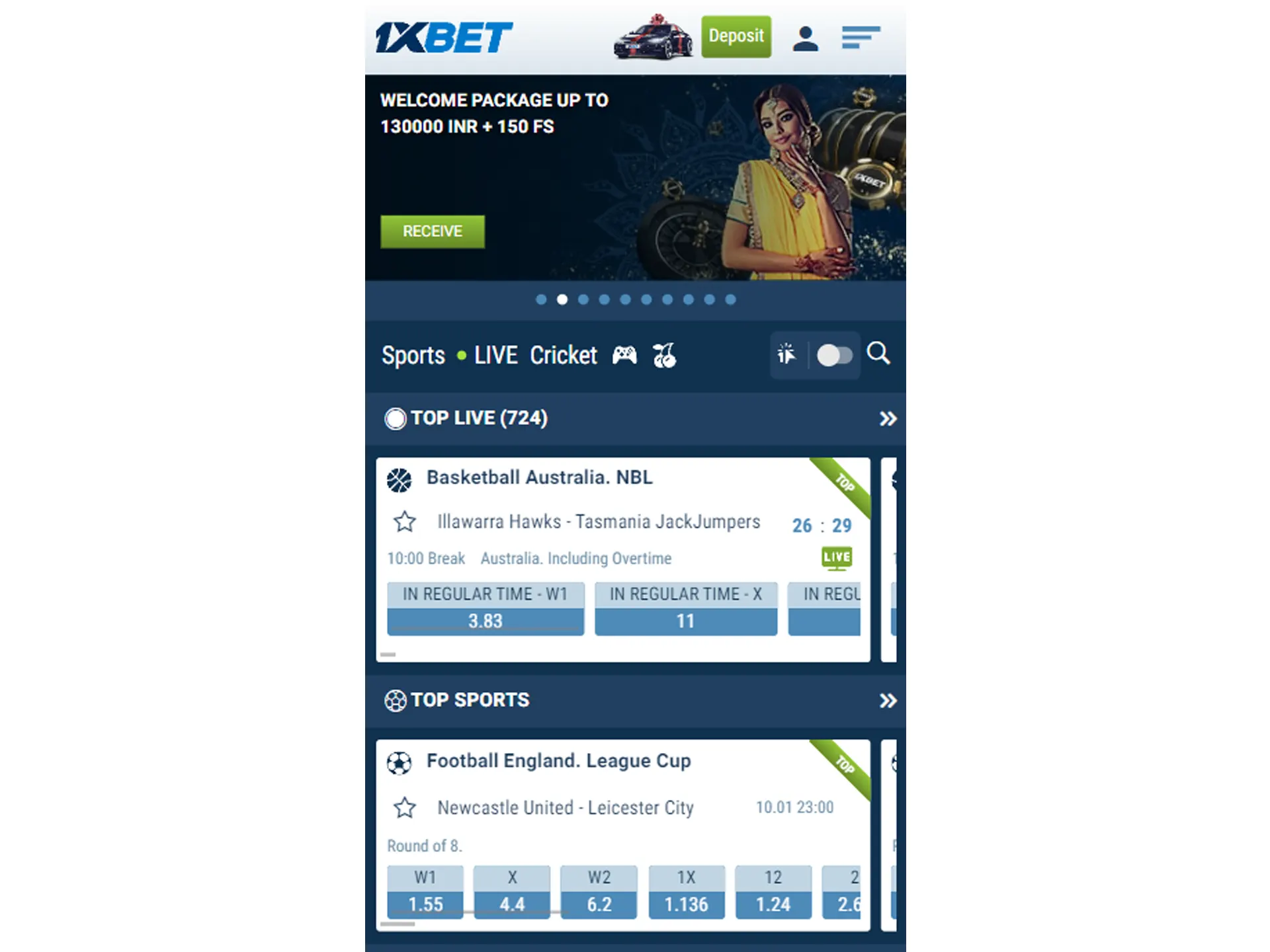
The application compresses the full desktop experience into a mobile interface, with availability varying slightly by region and operating system version. Sports betting covers everything from major football leagues to niche table tennis tournaments, with odds updating in real-time as matches progress. The live betting section streams events directly to your device, allowing in-play wagers while watching the action unfold, though streaming quality depends heavily on your connection speed.
Casino enthusiasts find slots, table games, and live dealer rooms accessible through the same account wallet, eliminating the need for separate balances. Payment processing supports various methods depending on your location, with deposits typically reflecting instantly while withdrawals undergo security checks. Account management tools let you set deposit limits, review betting history, and activate security features like biometrics for faster yet secure access. Remember to gamble responsibly by setting strict budgets before you start playing.

APK Versus Mobile Browser: Picking Your Path
Deciding between the installed application and the mobile website depends on your priorities regarding convenience versus flexibility. The table below outlines key differences without advocating for either option exclusively.
| Feature | APK Application | Mobile Browser |
|---|---|---|
| Installation Required | Yes, with security permission | No, instant access |
| Storage Space | Consumes device memory | None beyond cache |
| Update Process | Manual APK replacement | Automatic via server |
| Speed | Faster navigation | Dependent on browser |
| Notifications | Push alerts available | Limited to browser |
The installed application generally launches quicker and maintains your login session more reliably, while the browser version avoids unknown-source permissions entirely and saves storage space.
Fixing Common Installation Blocks
When the installation fails, specific error messages point toward distinct solutions. Parse errors usually indicate a corrupted download file; delete the APK and fetch a fresh copy, ensuring your internet connection remains stable throughout the transfer. “App not installed” messages often appear when a previous version exists with conflicting security certificates, requiring you to uninstall the old build completely before proceeding.
Storage-related failures occur despite apparent free space because Android requires temporary working room during installation. Clear your Downloads folder and application cache, then attempt the installation again. If the app crashes immediately upon opening, check for Android system updates or try clearing the app data and cache through your application manager, which resolves conflicts between the new software and residual files from previous installations.
When the Mobile Site Makes More Sense
Despite the app’s advantages, the mobile website serves specific situations better. If your device runs an older Android version no longer supported by current APK builds, the browser interface provides continued access without compatibility errors. Users with limited storage space or those who share devices might prefer avoiding additional software installations altogether.
The browser option also eliminates certificate conflicts during updates, as the website refreshes automatically on the server side. Access remains identical regarding betting markets and account functions, though you lose push notifications for live match events. Keep the mobile site bookmarked as a backup entry point, ensuring you can always reach your account even if the installed application encounters technical difficulties or requires reinstallation.
FAQ
Why does Android block the 1xBet APK by default?
Android restricts installations from outside the Play Store to prevent malware infections. You must manually grant permission to your browser or file manager, then revoke it immediately after installing the legitimate application.
Can I update the app without losing my login details?
Yes, installing an APK signed with the same security certificate updates the app while preserving your data. However, if the certificate changes, you must uninstall the old version first, which removes local login sessions.
How do I verify the download source is legitimate?
Check the URL for exact spelling matches with the official domain, avoid clicking links from unsolicited emails, and compare the site’s SSL certificate details. Official pages never ask for payment to download the APK file itself.
What should I do if the app requests excessive permissions?
Cancel the installation immediately. A genuine betting application needs network access and storage for caching, but should never require access to your contacts, SMS messages, or call logs. Delete the file and report the suspicious source.
Is the mobile website safer than installing the APK?
The browser version eliminates unknown-source risks and certificate conflicts, making it suitable for older devices or security-conscious users. However, the installed app offers faster performance and push notifications when downloaded from verified sources.